
 Login
Login



















Powerful Field Service Tool
Connect Scheduling, Crew Coordination, and Field Execution in Real Time
100’s of Companies Have Chosen Arrivy for Operations








Field Operations Tools That Fit Your Process
Book a Demo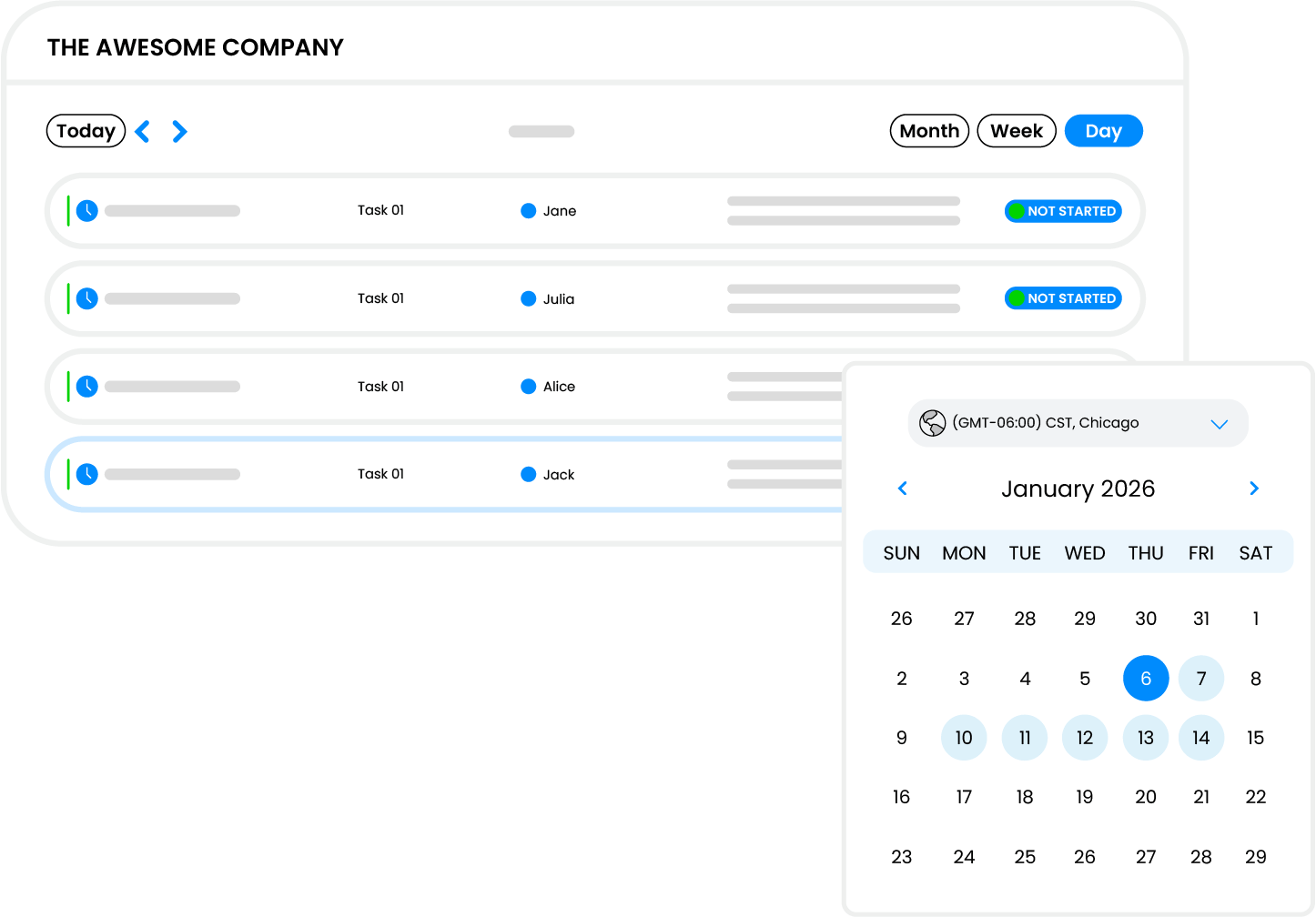
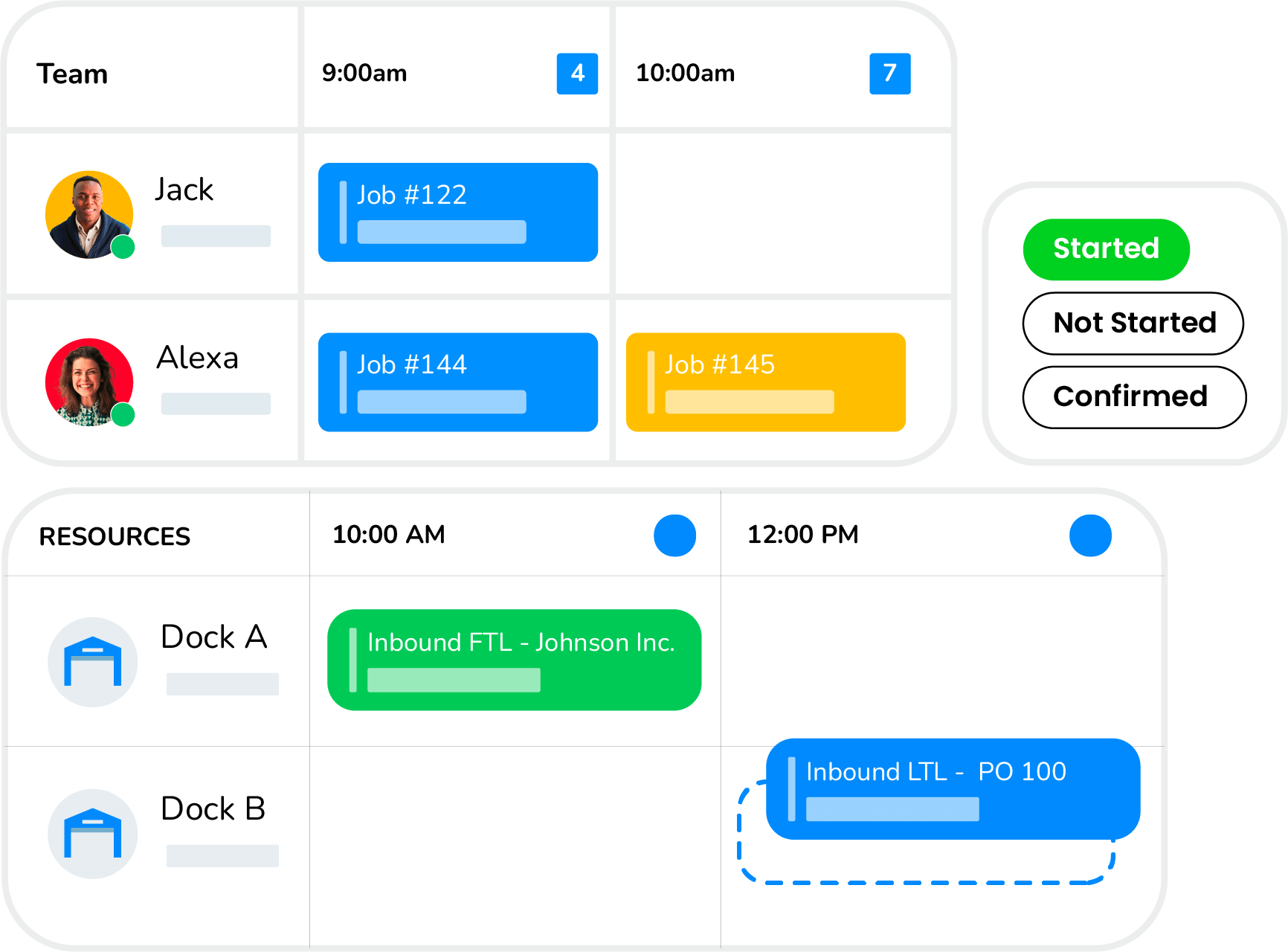
Dynamic Bookings
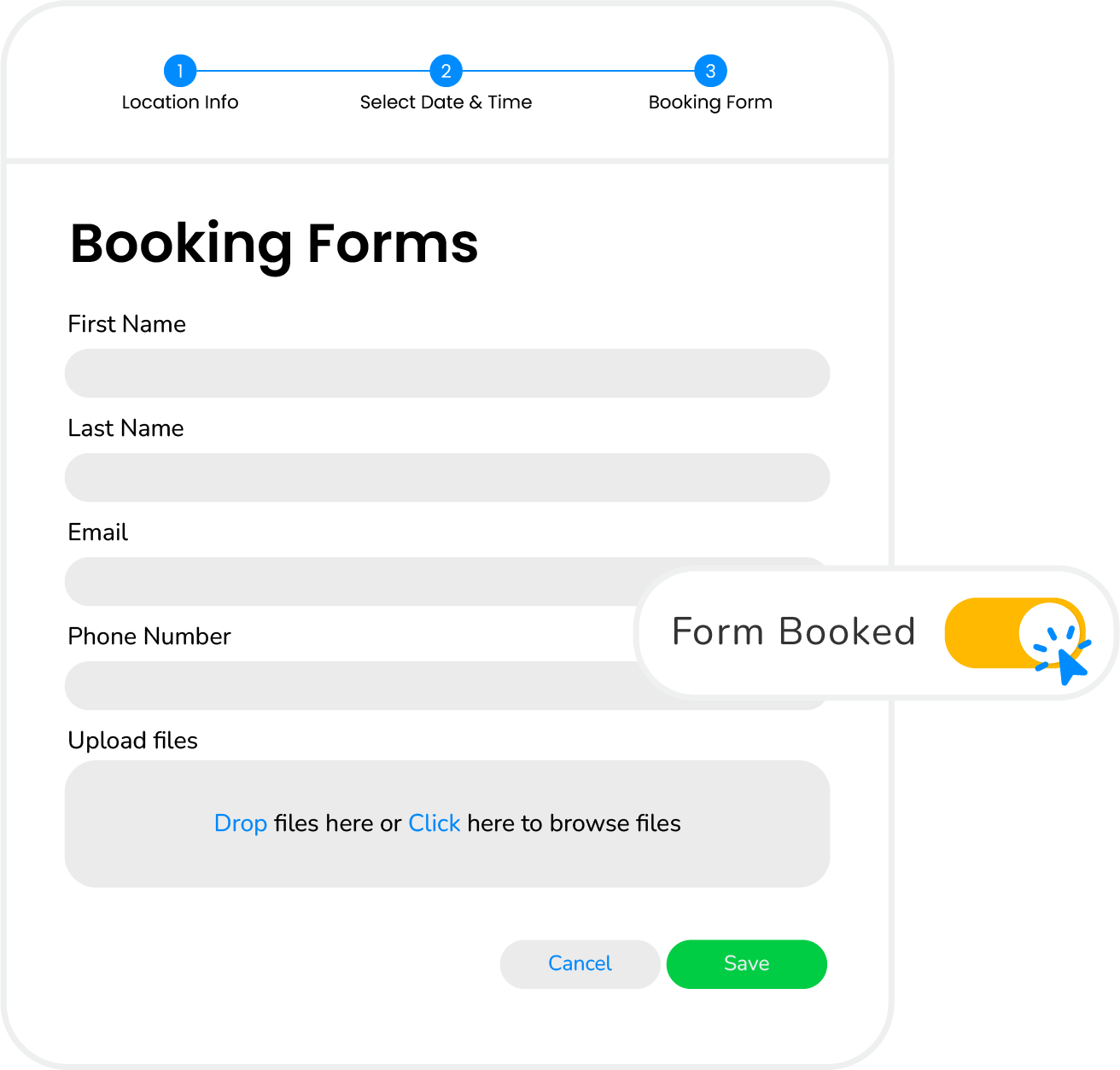
Enable customers and teams to schedule appointments using real availability, skills, capacity rules, and automated assignment logic.
Learn More
Online Booking Pages
Host branded booking pages and widgets that capture appointments based on live availability and rules.

Constraint Enforcement
Validate skills, capacity, travel limits, and resource dependencies before confirming any booking request.

Resource Scheduling
Reserve equipment, vehicles, facilities, and shared assets alongside teams during booking confirmation.

Rule Automation
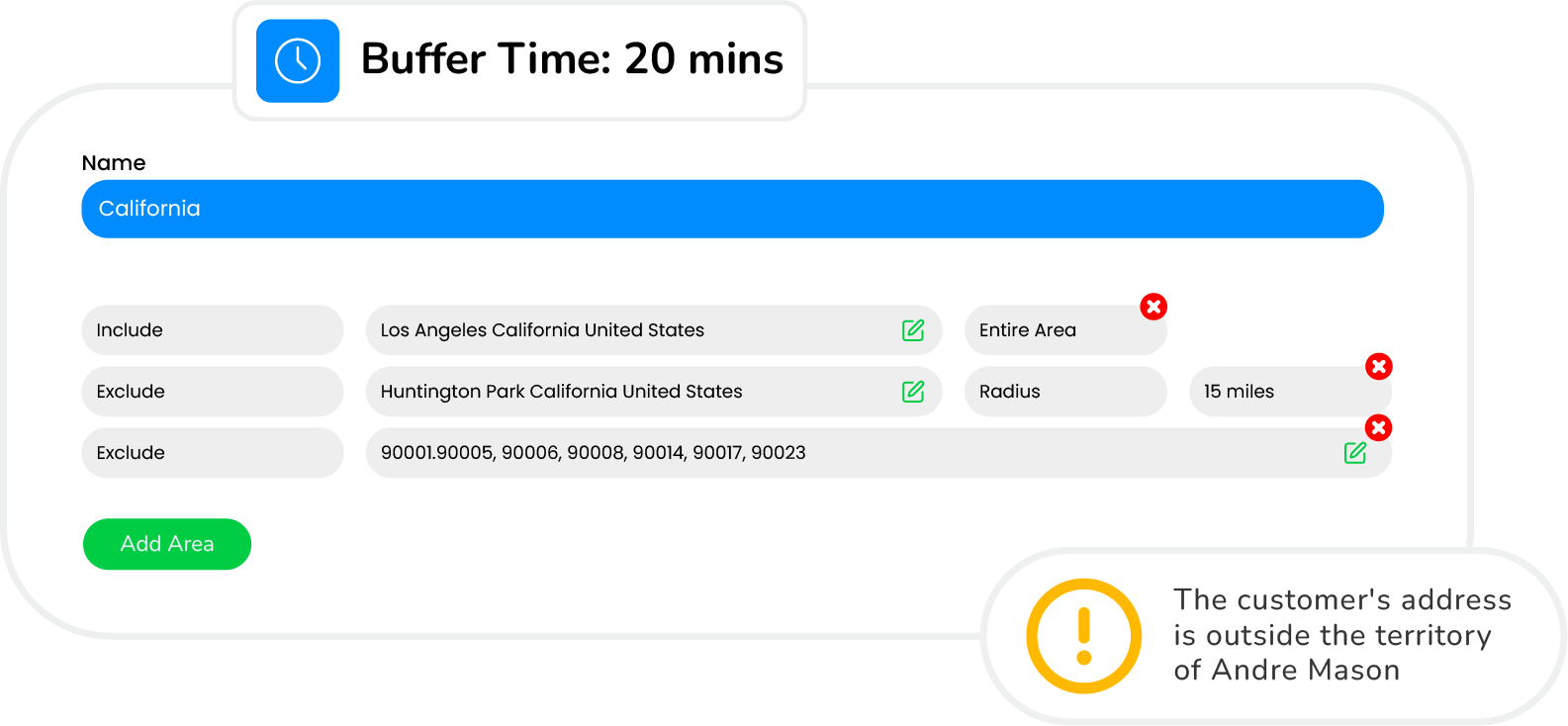
Apply territory, workload, priority, and skill-based rules automatically when assigning new bookings.

Route Awareness
Direct bookings to appropriate teams using geography, coverage zones, and travel efficiency logic.

Capacity Management
Prevent overbooking by applying buffers, service limits, maintenance windows, and availability thresholds.

System Sync
Connect bookings with CRM, calendars, payments, and operational systems for a unified workflow.
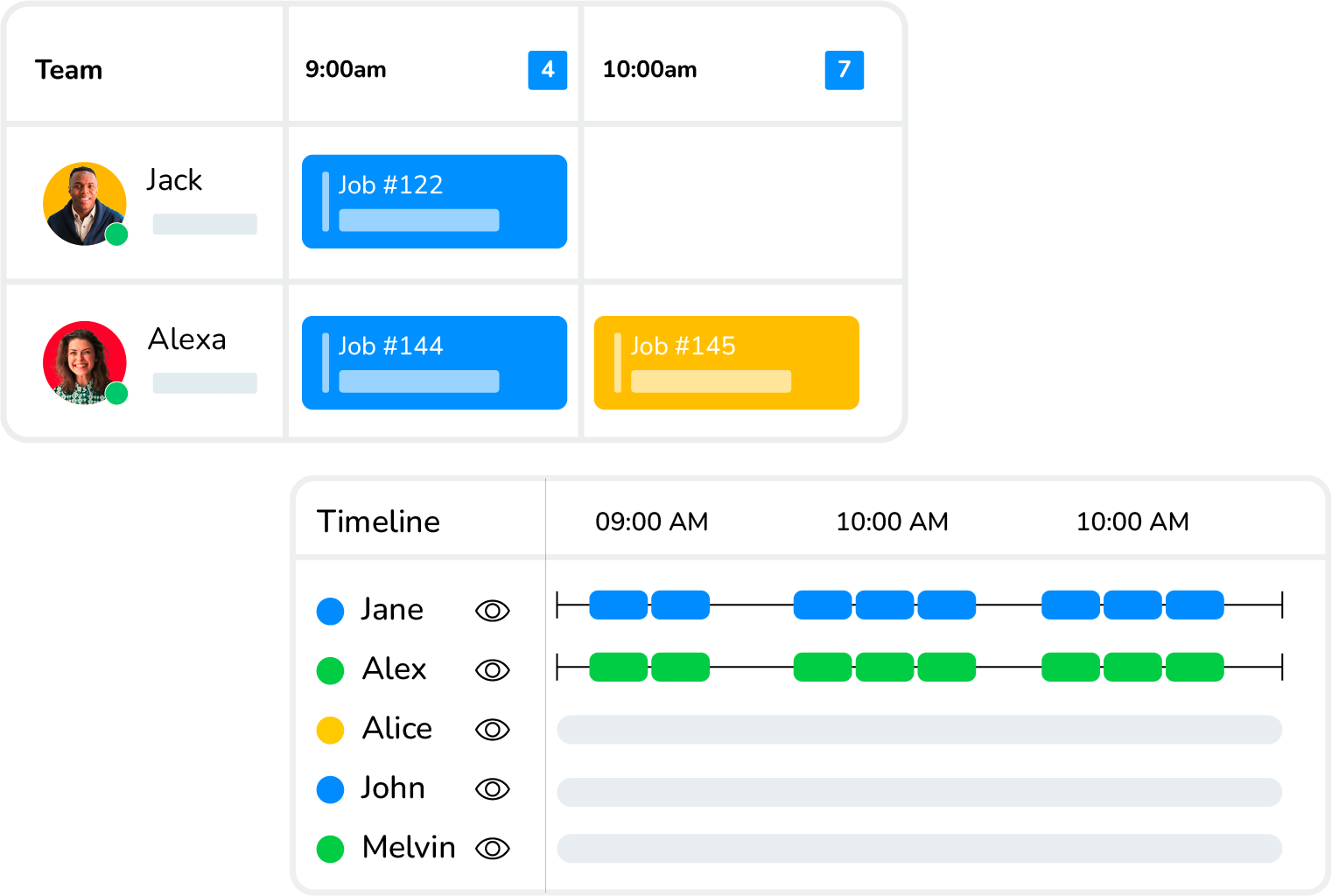
Automated Scheduling Software
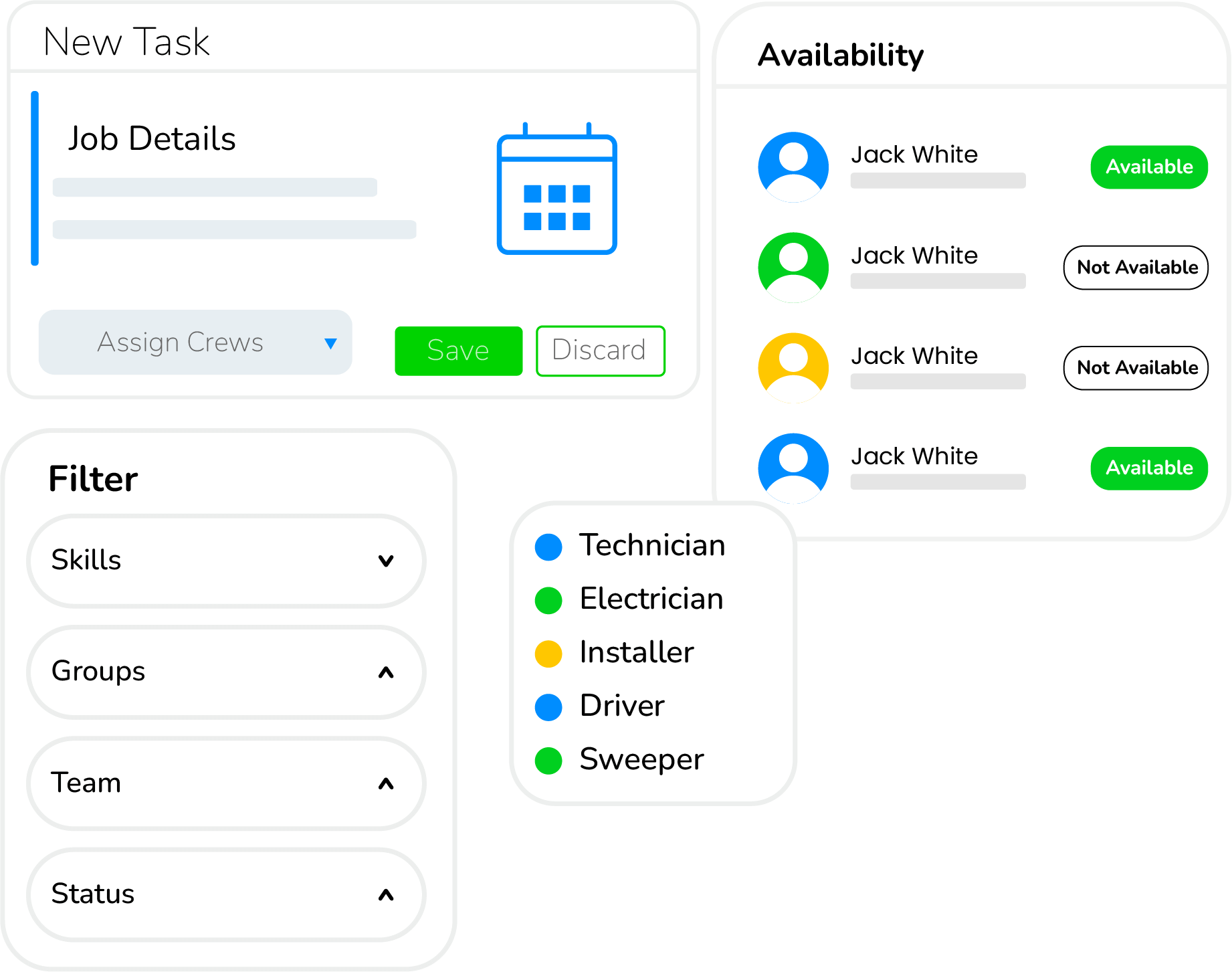
Create accurate schedules, prevent conflicts, and adapt quickly as priorities, availability, or job conditions change.
Learn More
Job Scheduling
Plan daily work using structured schedules that reflect real workload, priorities, and operational requirements.

Scheduling Views
View schedules through list, calendar, resource, or map formats to understand work from every angle.

Powerful Filtering
Filter schedules by job type, skill, region, status, or availability to focus on what matters.

Route Insight
Account for travel time and job location while scheduling to reduce delays and inefficient routing.

Capacity Balancing
Monitor crew workload to avoid overbooking and ensure work is distributed fairly and sustainably.

Schedule Adjustments
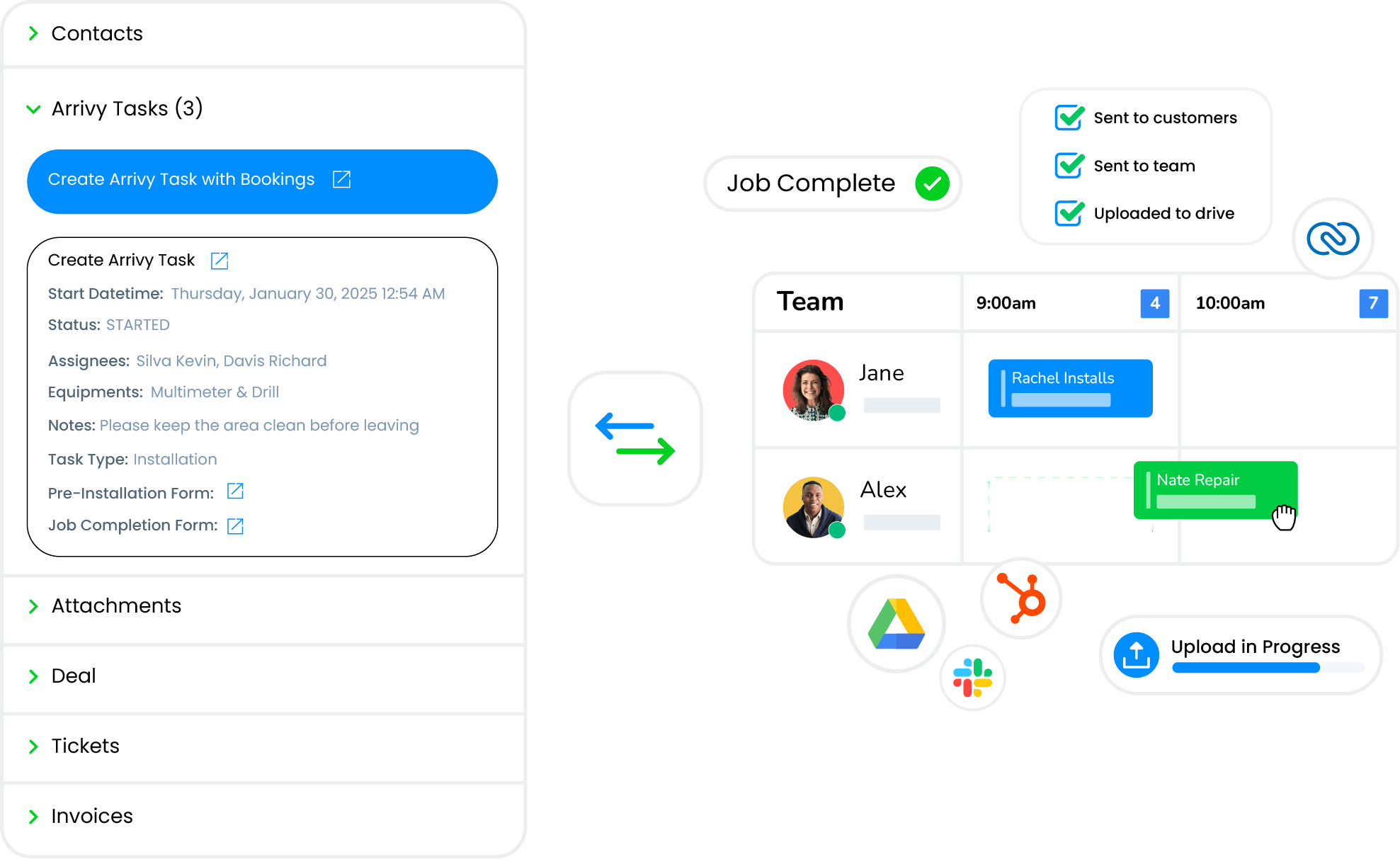
Update schedules instantly using drag and drop tools when delays, cancellations, or urgent jobs arise.

System Integrations
Sync scheduling data with CRM, accounting, and operational tools to keep information consistent everywhere.
Advanced Route Planning
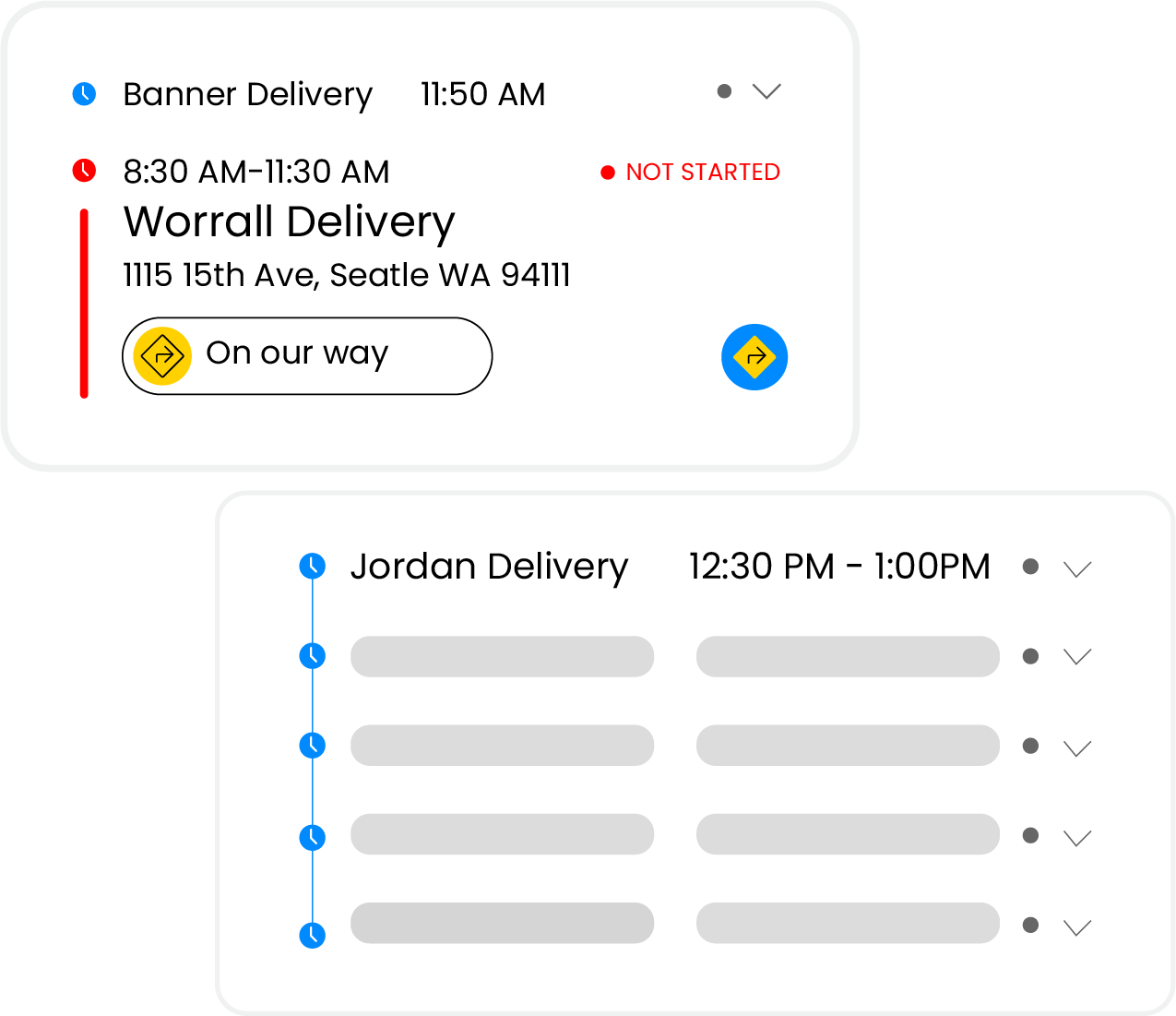
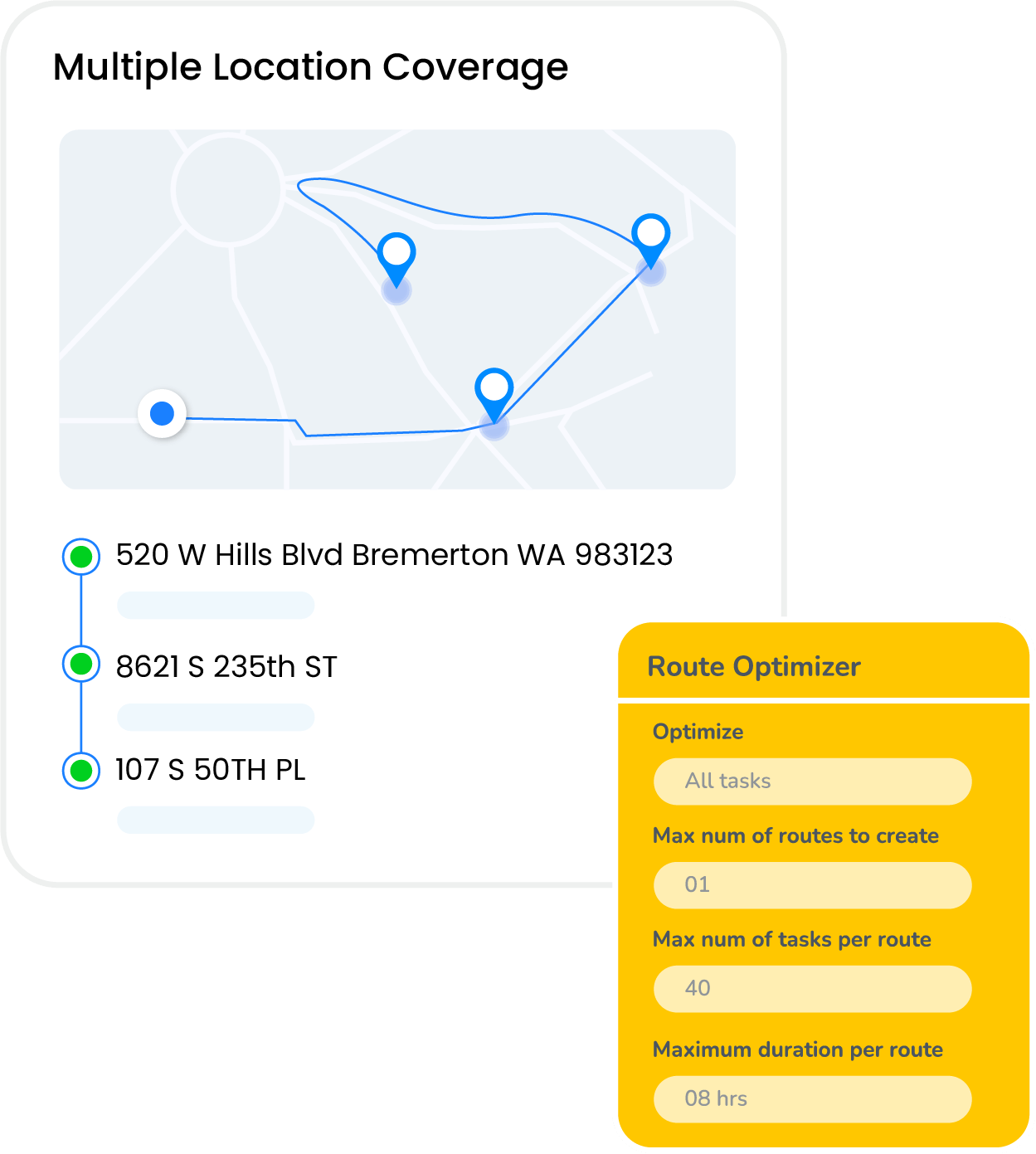
Plan, test, and adjust routes in real time while balancing workloads and adapting quickly to changing conditions.
Learn More
AI Optimized Routes
Generate efficient multi-stop routes using distance, traffic conditions, and task timing constraints.

Live Route Tracking
Monitor route progress and vehicle movement in real time to maintain visibility throughout the day.

Multi-Stop Planning
Plan and manage high-volume routes with clustered stops and balanced workloads across teams.

Real-Time Adjustments
Reassign stops or reoptimize routes instantly when priorities, delays, or new tasks appear.

Mobile Navigation
Guide crews with turn-by-turn navigation and live route updates directly on mobile devices.

Route Alerts
Trigger location-based alerts for arrivals and departures to reduce missed stops and delays.

Live Updates
Share schedule changes, notes, and job updates instantly to keep crews aligned throughout the day.

Route Analytics
Analyze route performance, delays, and efficiency trends to improve future planning decisions.
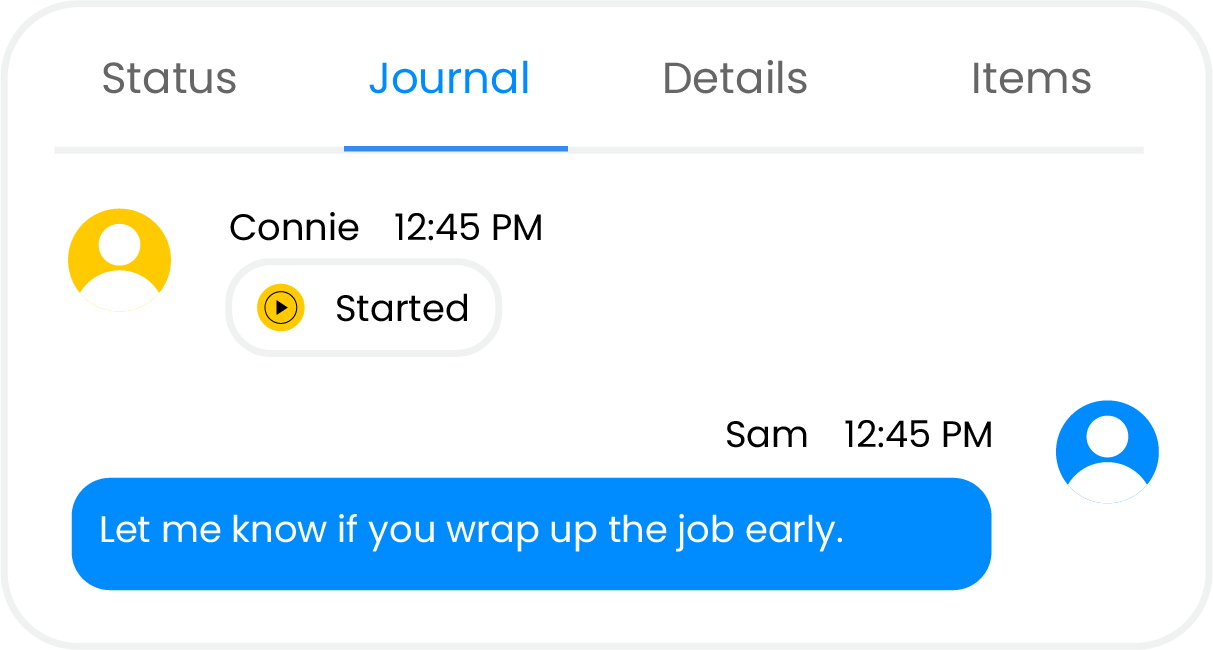
Smart Crew Management
Group teams and resources into crews, manage availability, and maintain clear ownership across every job.
Learn More
Crew Scheduling
Plan and adjust crew schedules using real availability to keep workloads balanced and assignments accurate.

Job Assignment
Assign the right crew to each job based on skills, resources, and current availability.

Mobile Access
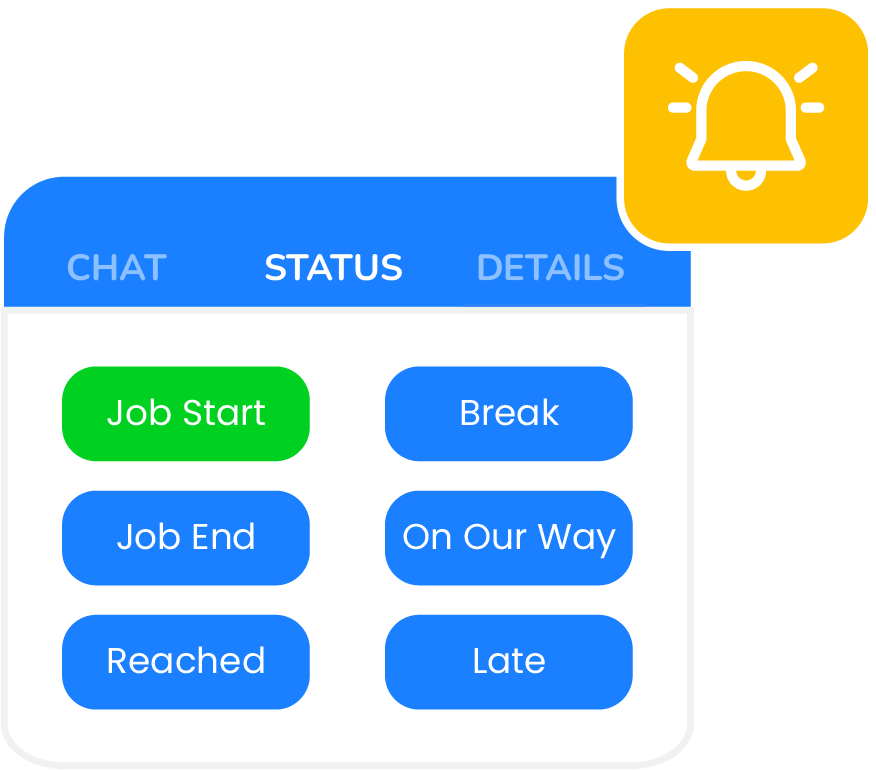
Enable crews to view jobs, update status, capture data, and navigate directly from the field.

Crew Dispatch
Send crews out with clear job details, schedules, and expectations before work begins.
Crew Tracking
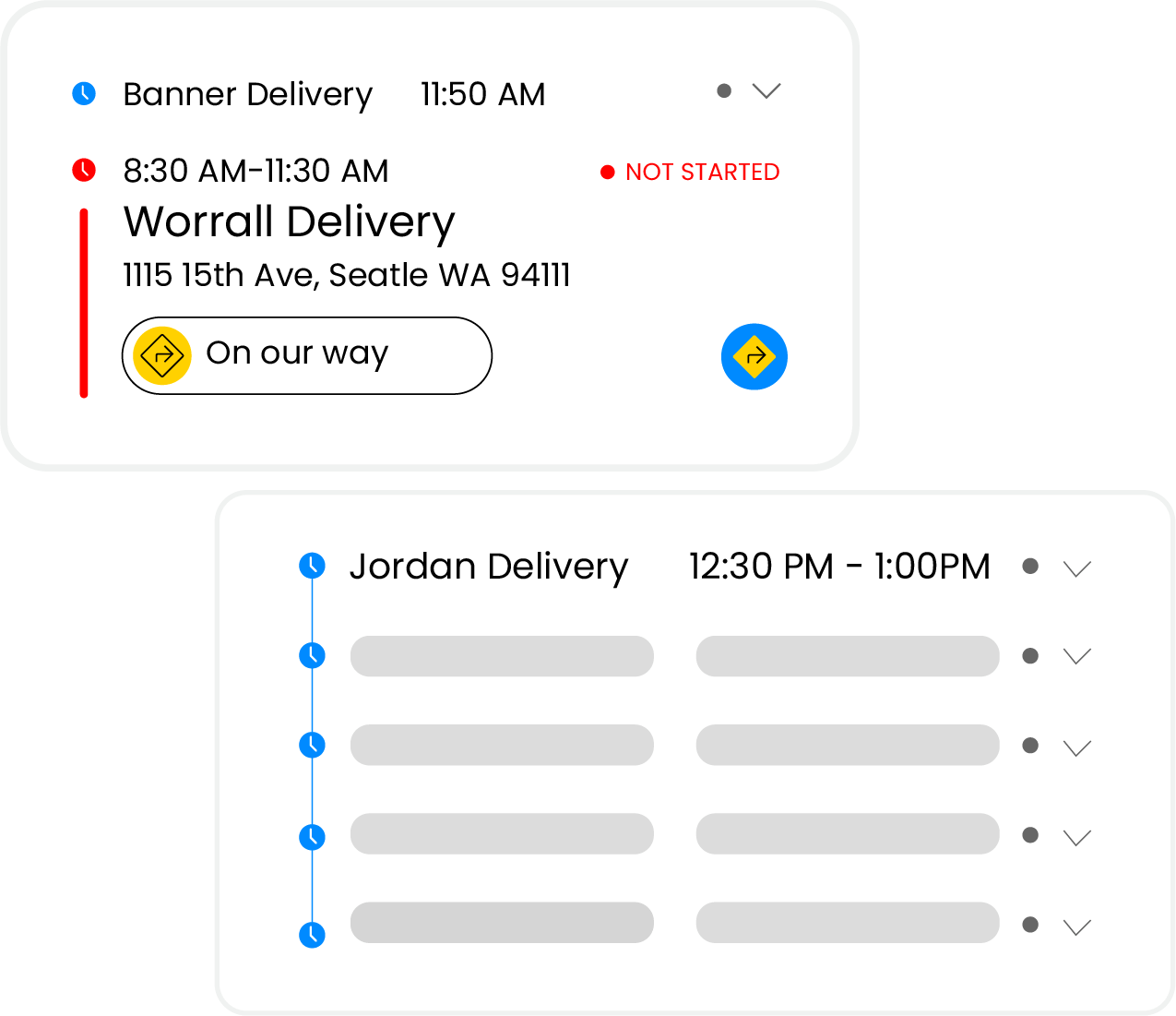
Monitor crew status, location, and progress in real time without constant calls or check-ins.

Live Updates
Share schedule changes, notes, and job updates instantly to keep crews aligned throughout the day.

Performance Reporting
Review work hours, job completion, delays, and feedback to improve future crew assignments.
Live Dispatch Dashboard
Oversee daily operations from one live dashboard to assign work, adjust priorities, and keep teams aligned throughout the day.
Learn More
Live Job Board
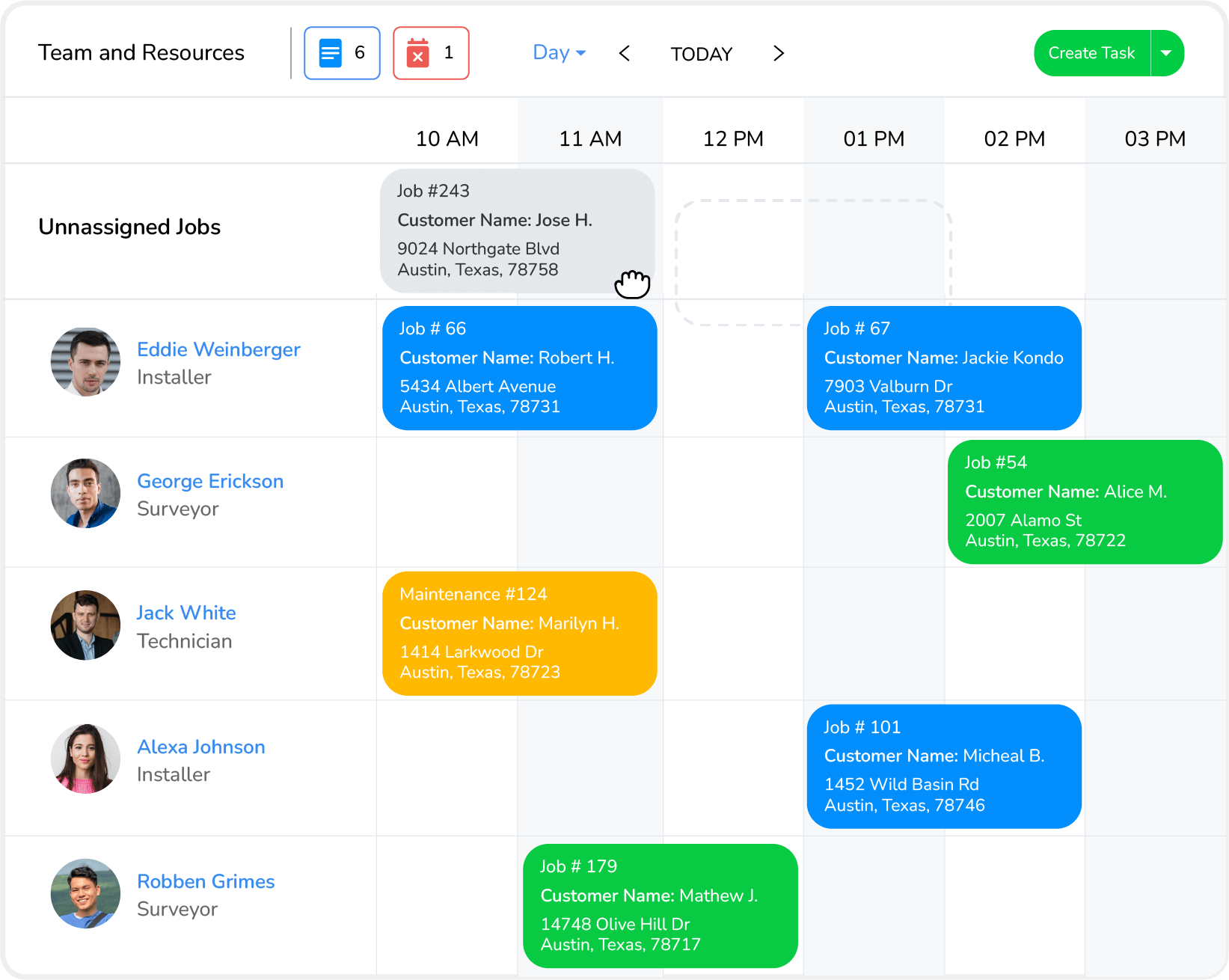
View all active jobs, assignments, and statuses in one visual dashboard for instant operational clarity.

Drag Reassignment
Reassign jobs quickly using drag and drop when delays, call-outs, or priority changes occur.

Route Awareness
View routes, travel time, and geographic clusters while dispatching to reduce delays and inefficiencies.

Crew Visibility
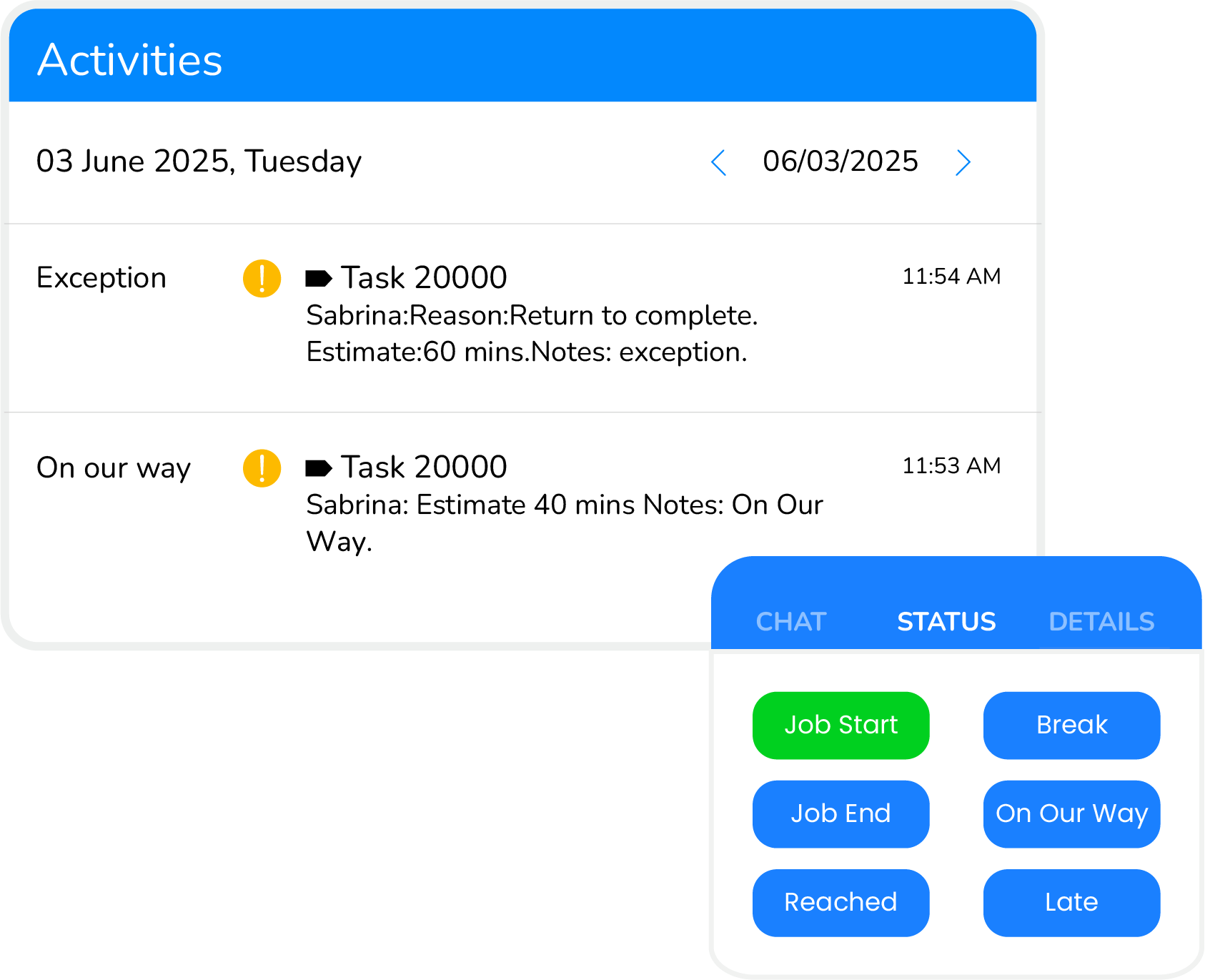
See crew availability, location, and status in real time to make a confident dispatch decision

Status Tracking
Track job progress with live updates, including en route, on site, delayed, or completed.

Team Sync
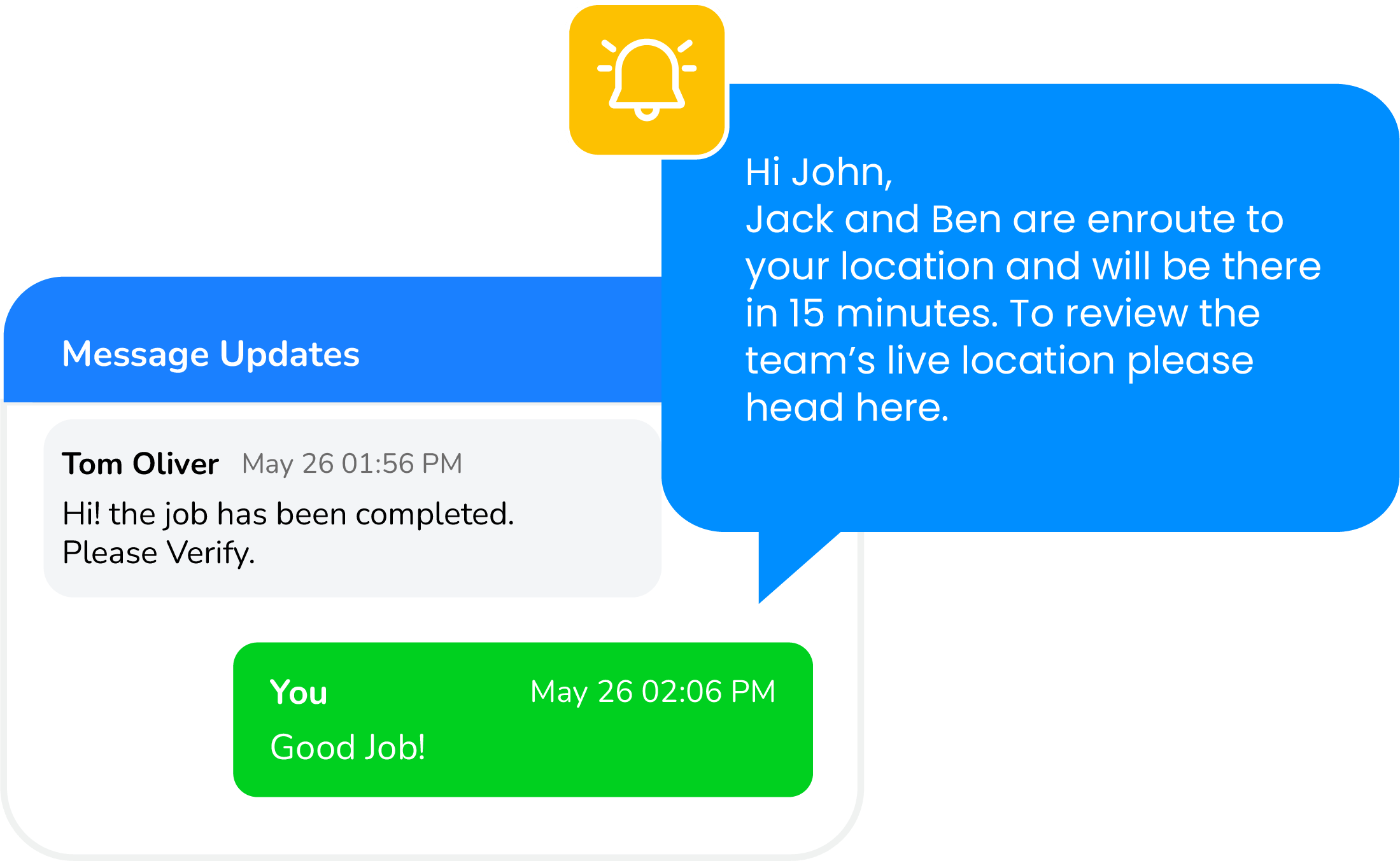
Communicate instructions and updates directly to crews through in-app, SMS, or email notifications.

Customer Updates
Send automated ETAs, reminders, and status notifications to keep customers informed throughout the job.
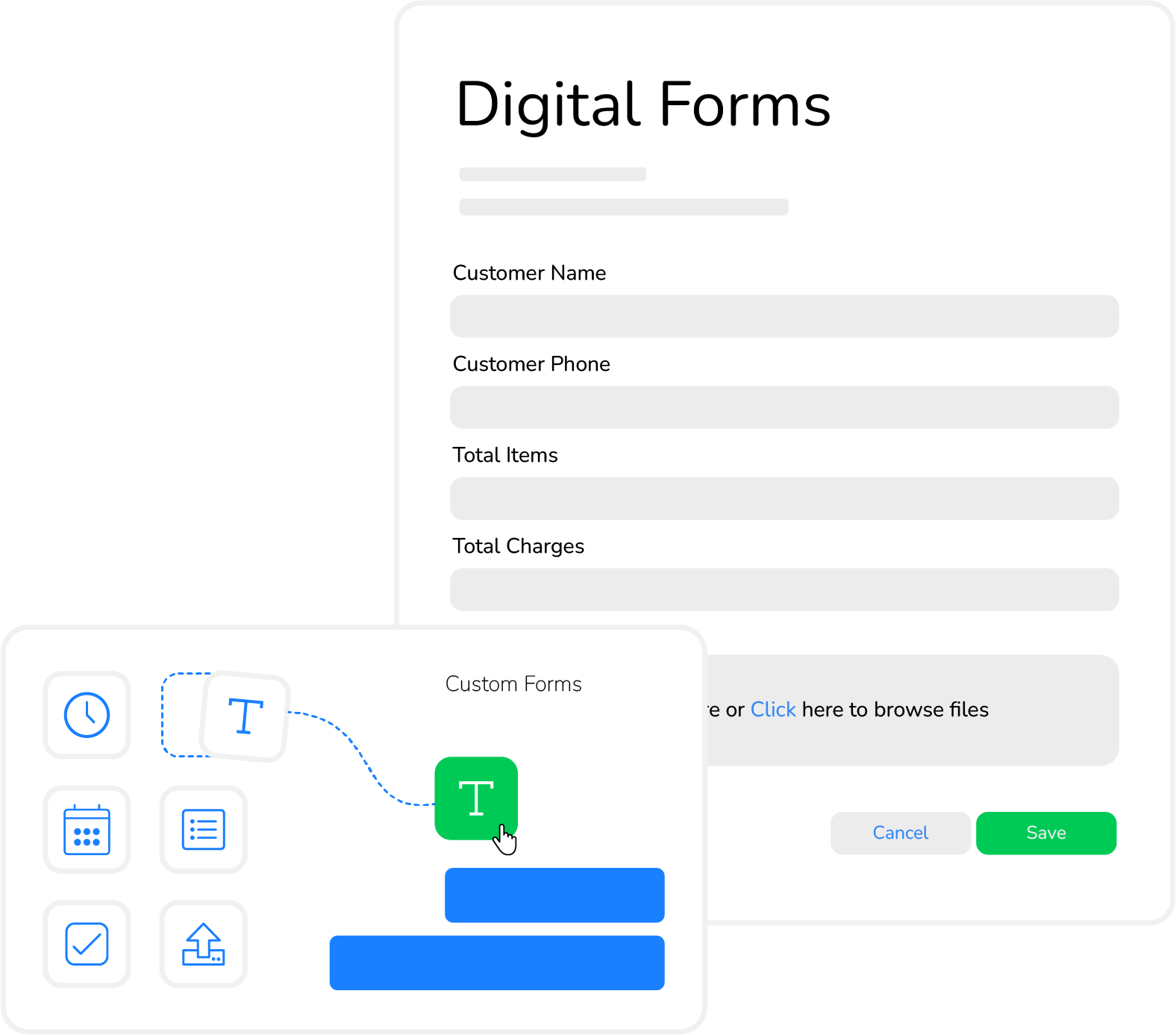
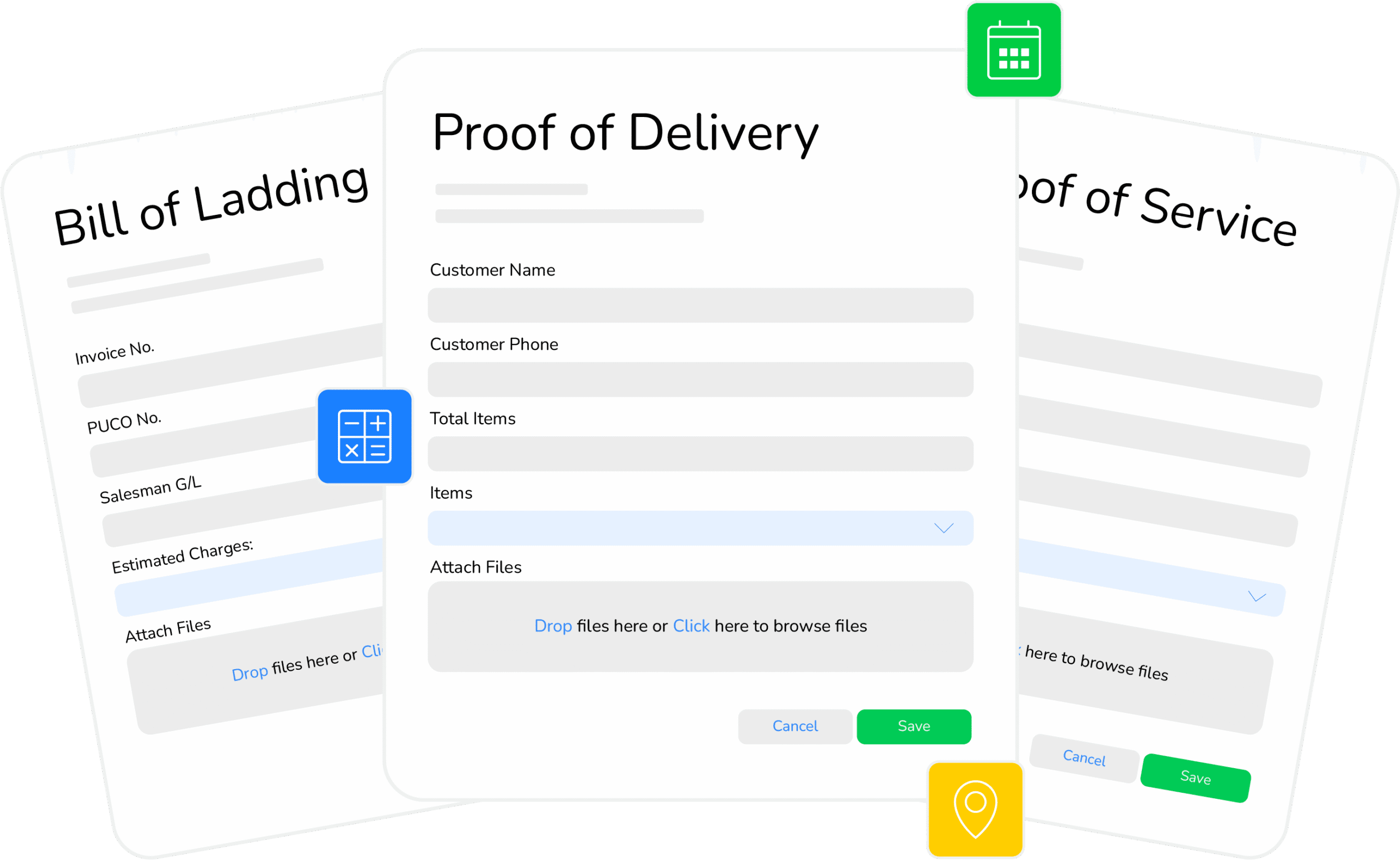
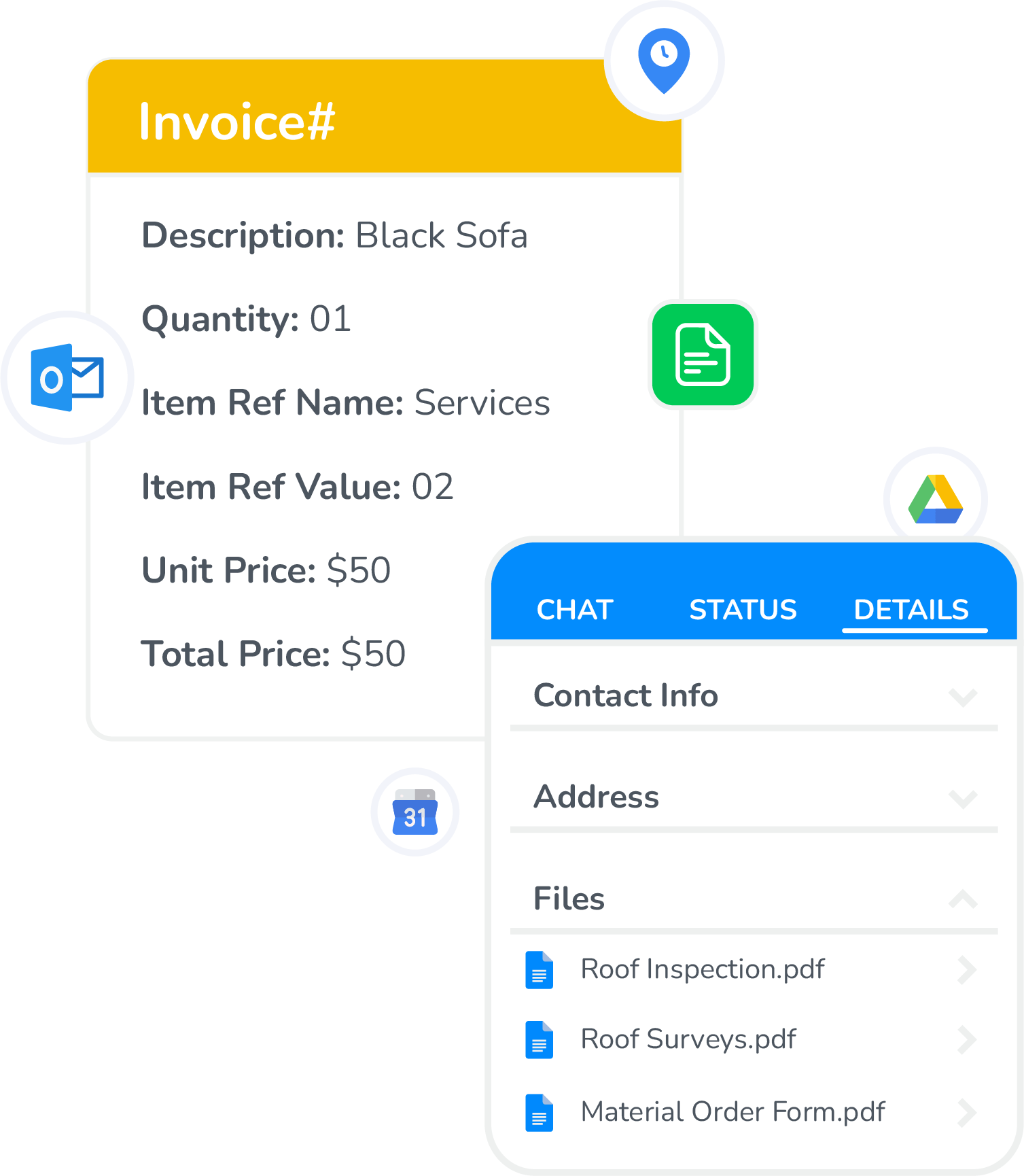
Connected Digital Forms
Capture structured field data, signatures, photos, and calculations while syncing instantly with jobs and business systems.
Learn More
Dynamic Builder
Create customizable templates for inspections, reports, and checklists tailored to operational requirements.

Smart Fields
Add conditional logic, calculations, signatures, images, and structured inputs for accurate submissions.

Offline Access
Complete forms without connectivity and sync automatically once the device reconnects.

Multi-User Forms
Allow teams to fill, review, and sign the same form simultaneously without version conflicts.

Instant Retrieval
Access submitted forms instantly for billing, audits, compliance, or operational review.

Workflow Sync
Push form data directly into CRM, accounting, and job workflows automatically.

Secure Storage
Store and organize all records securely with structured access controls and centralized visibility.
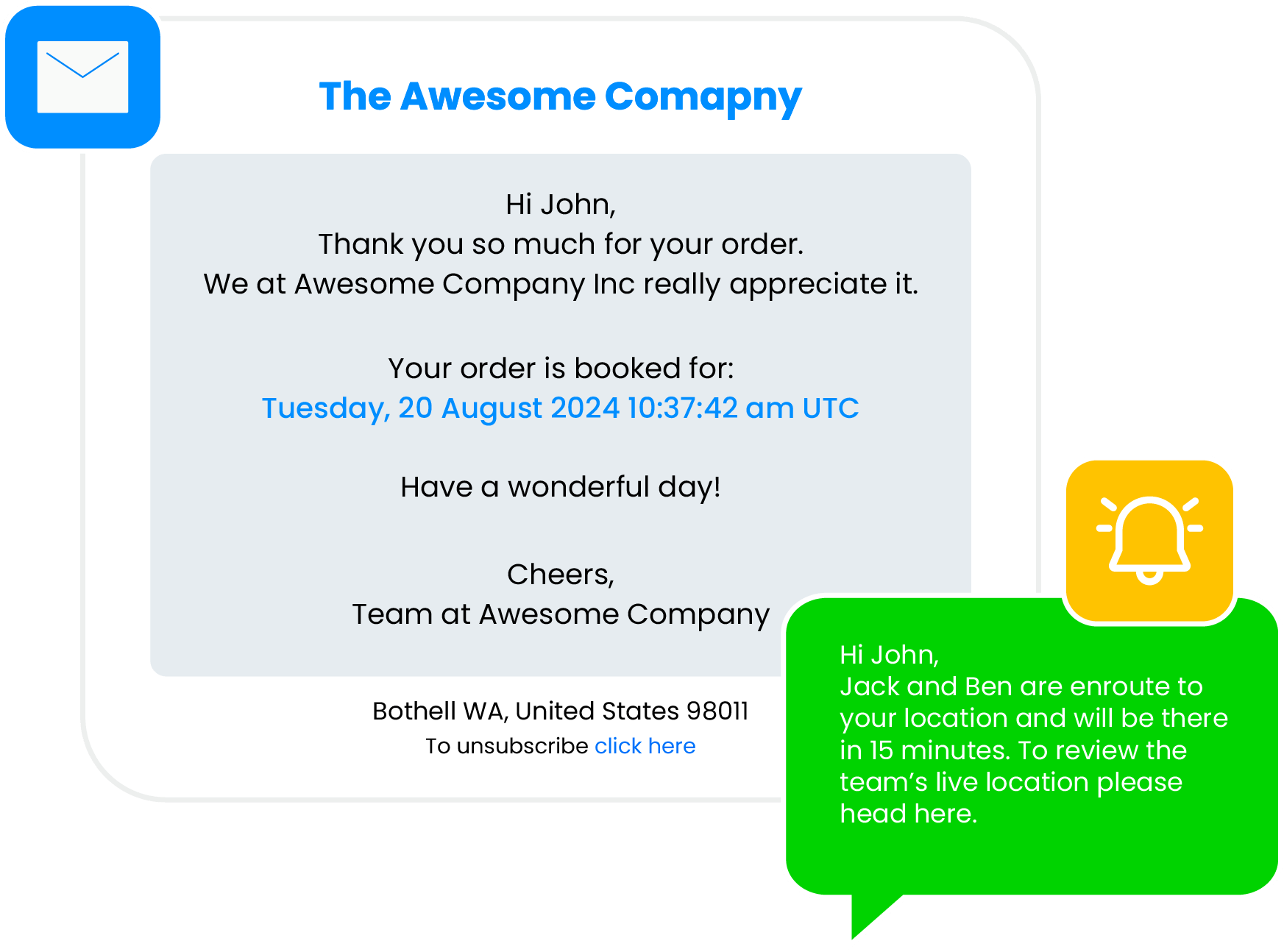
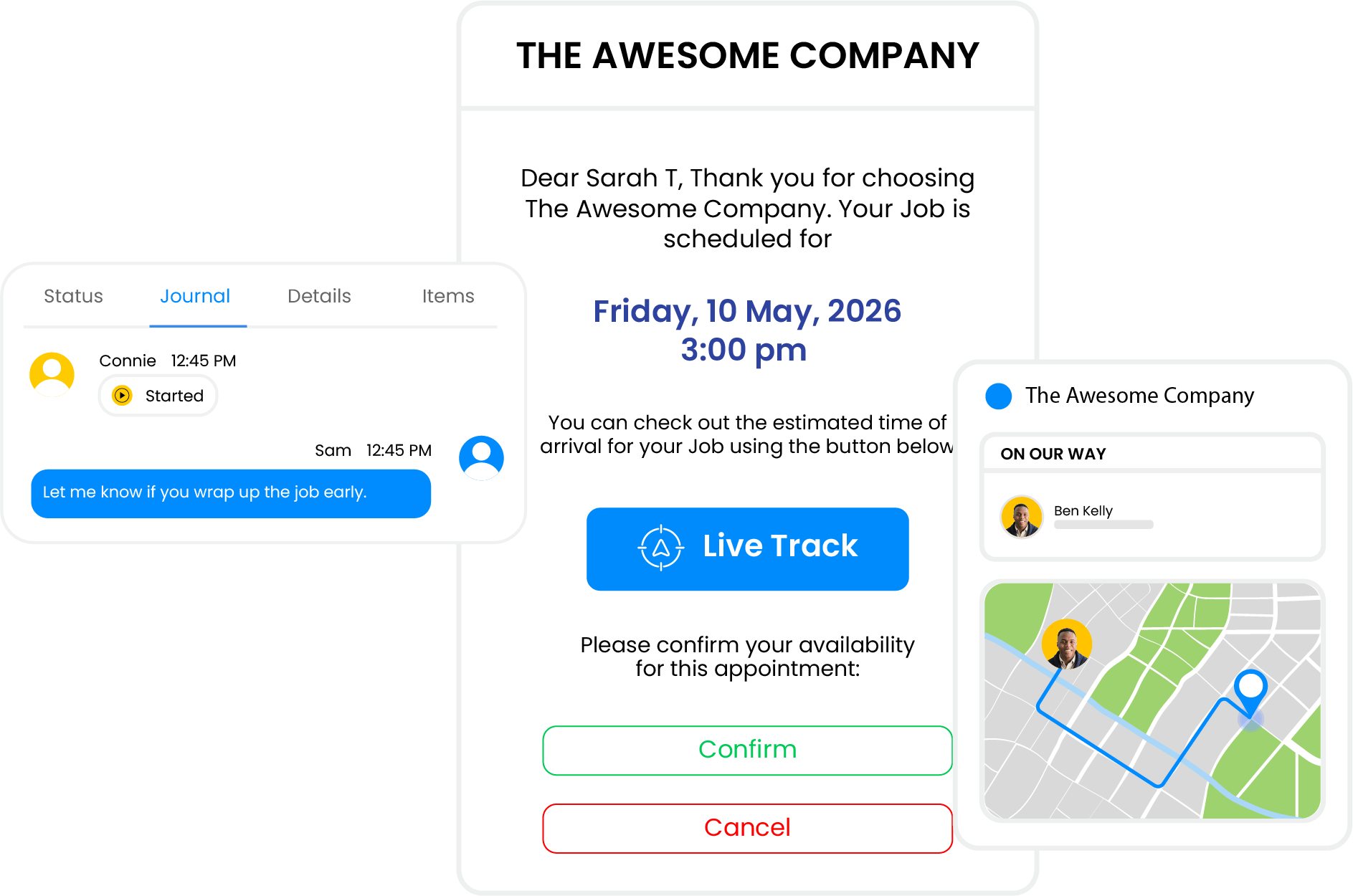
Transparent Customer Experience
Keep customers informed with real-time updates, live tracking, and consistent communication throughout every stage of the job.
Learn More
Real-Time Updates
Allow customers to track crew arrival and job progress in real time through a shared live view.

Live Tracking
Track task duration, completion status, and mileage to evaluate operational efficiency.

Two-Way Messaging
Enable customers to reply to updates and communicate directly without switching channels or tools.

Customer Portal
Give customers access to appointments, service history, documents, and future bookings in one place.

Branded Experience
Deliver white-labeled messages, pages, and portals that reflect your brand across every interaction.

Online Booking
Let customers book available time slots easily using shared links or embedded scheduling calendars.

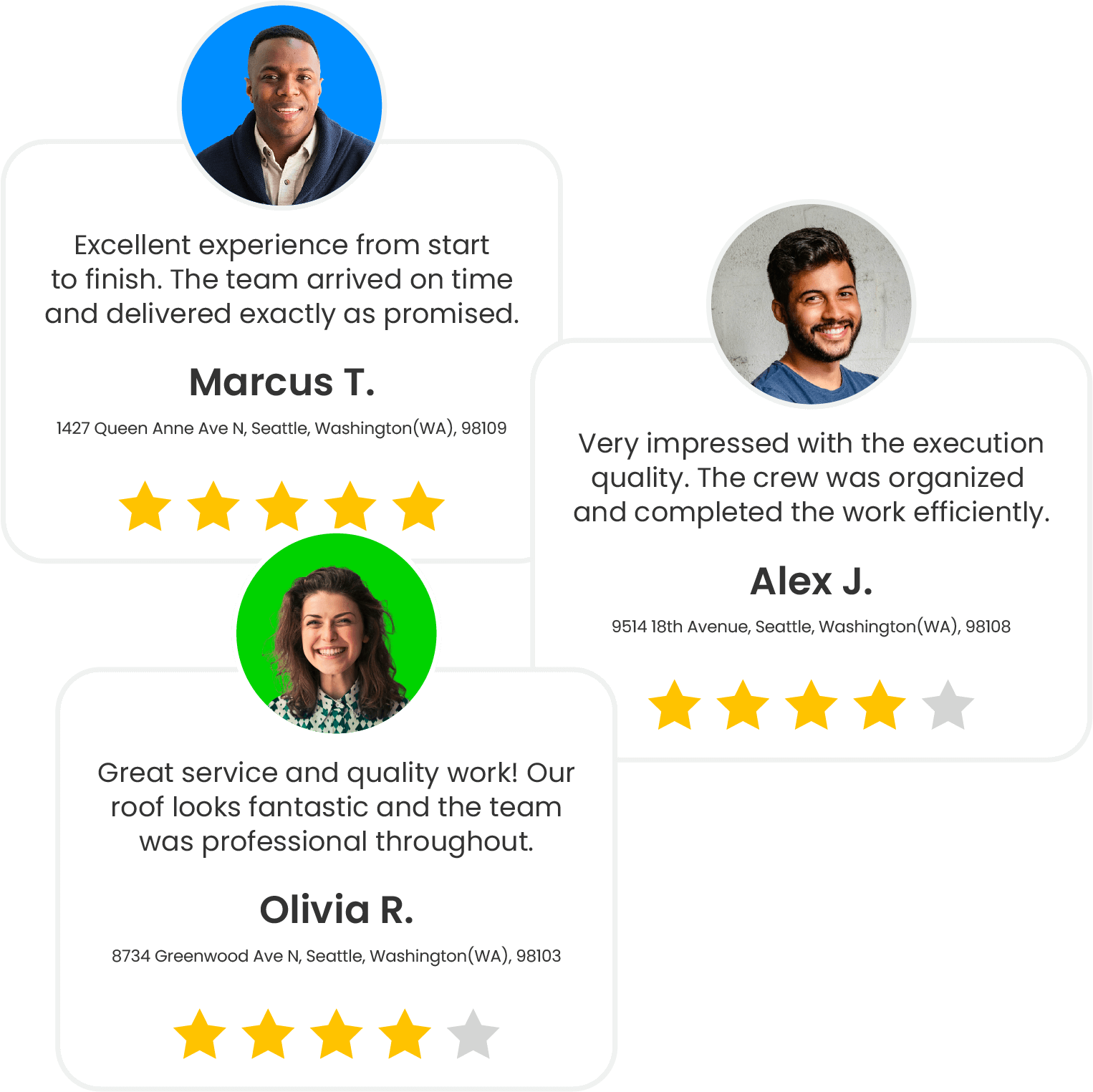
Feedback Collection
Capture ratings, reviews, and approvals immediately after service to improve quality and reputation.
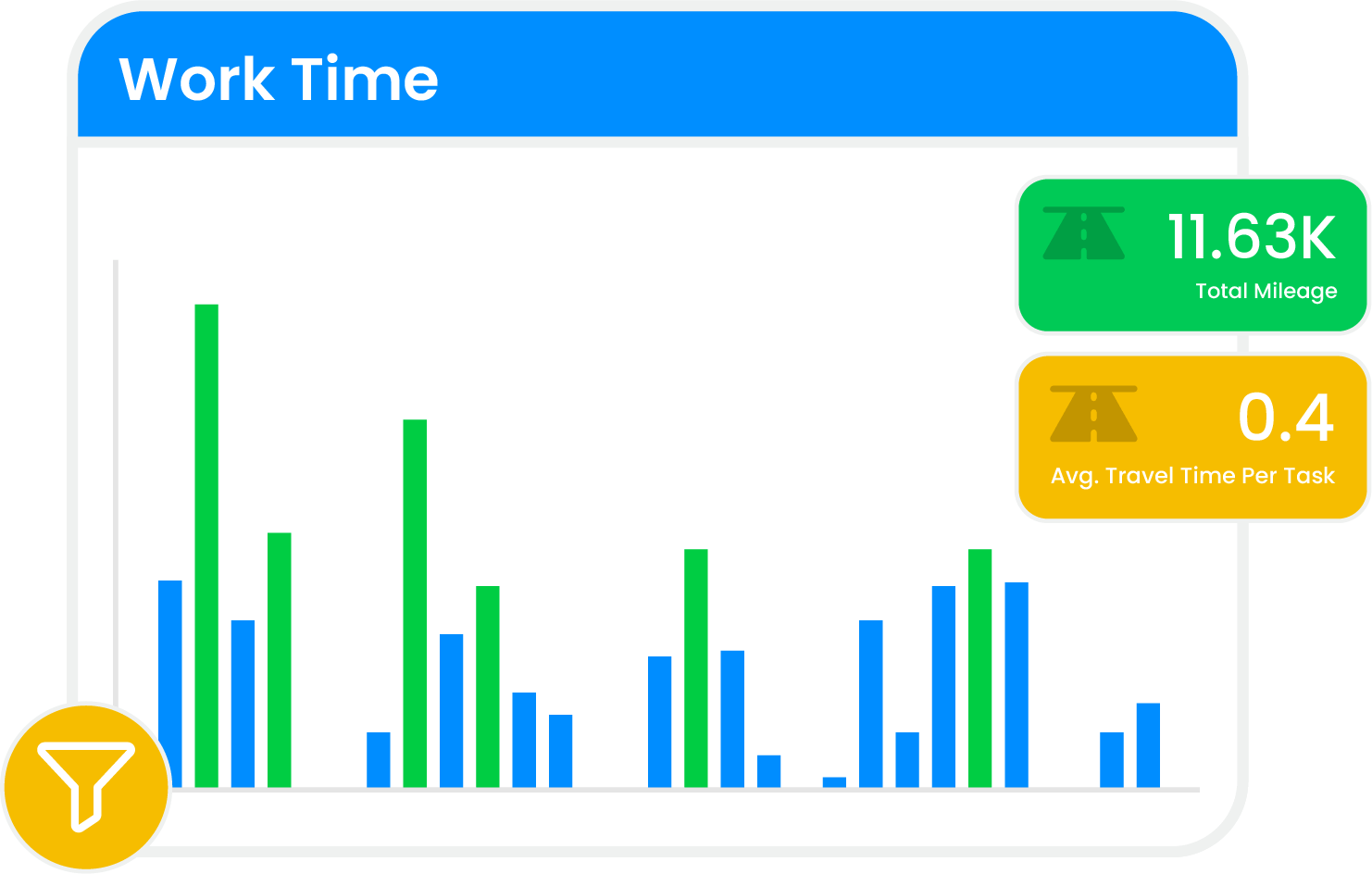
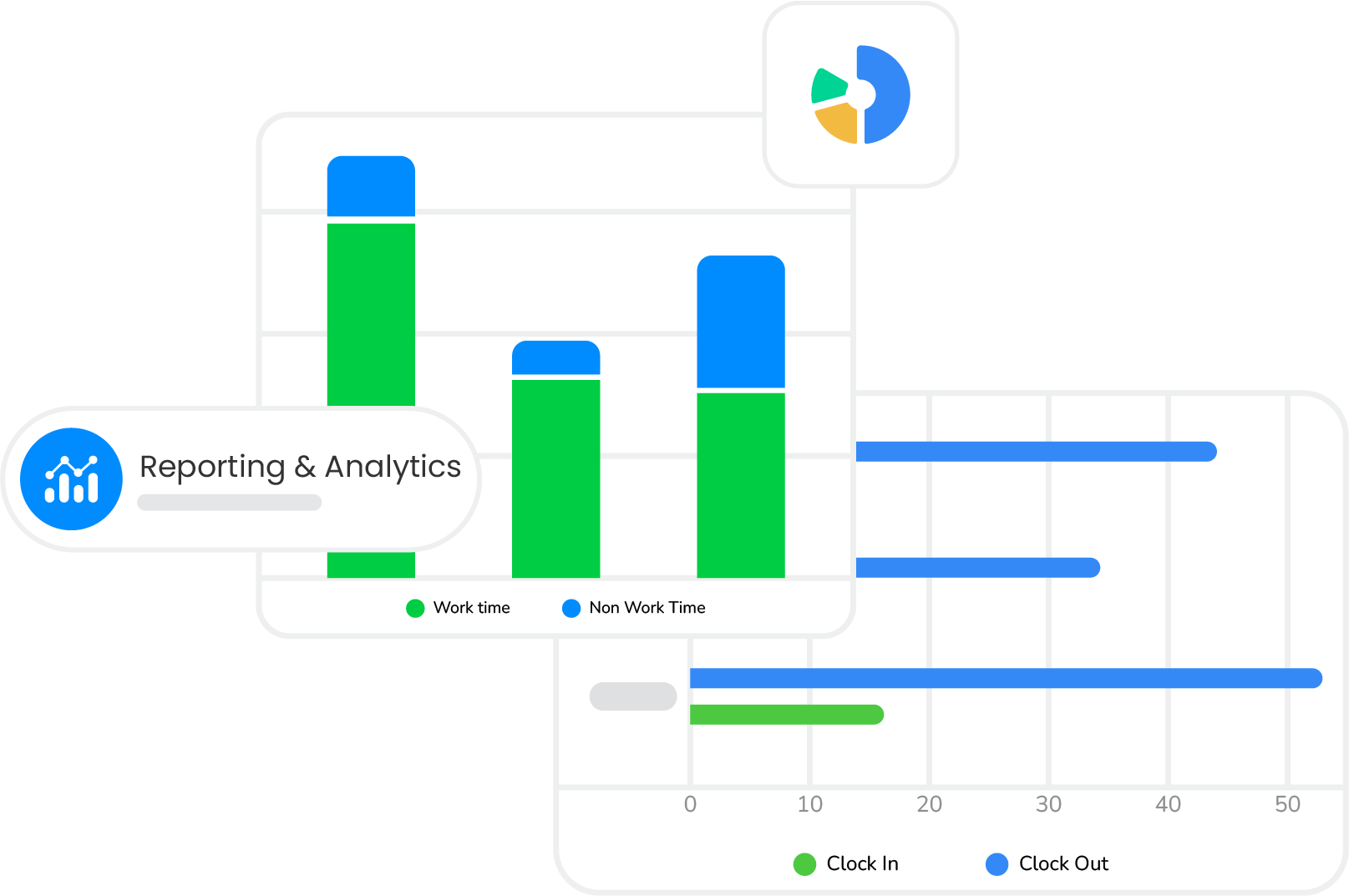
Performance Reporting
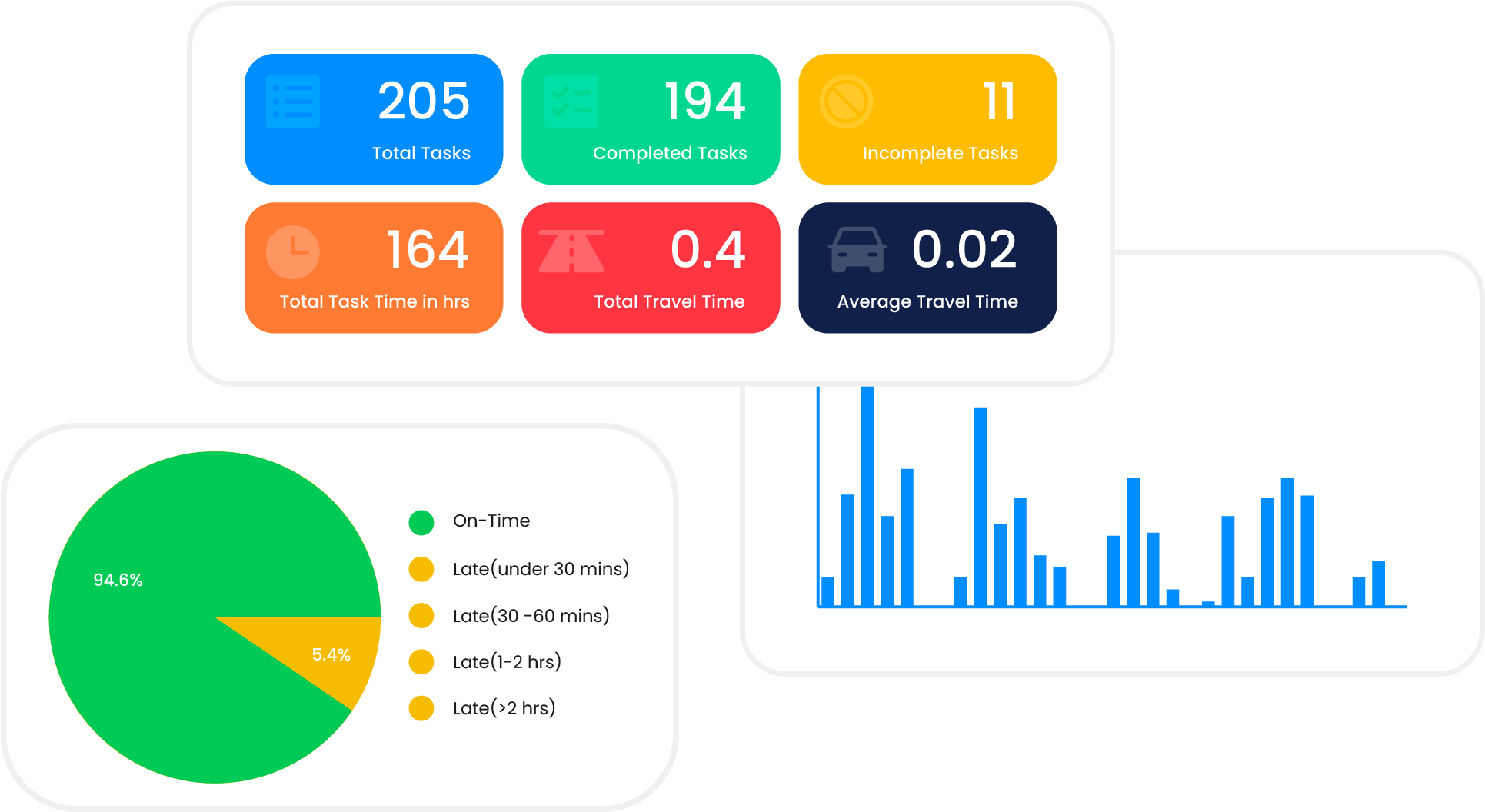
Track performance, time, mileage, and customer engagement using structured reports that support better planning and accountability.

Project Reports
Monitor project status across completed, active, canceled, and pending tasks using configurable filters.

Task Analytics
Track task duration, completion status, and mileage to evaluate operational efficiency.

On-Time Metrics
Measure early, on-time, and late job starts to assess schedule reliability.

Team Time Reports
Review clock-ins, travel time, work hours, and non-work activity for payroll analysis.

Mileage Tracking
Analyze daily travel distance and average mileage per task for cost optimization.

Engagement Insights
Measure live tracking usage, message responses, and customer interaction levels.

Customer Ratings
Aggregate service ratings and feedback trends to monitor satisfaction and reputation.





















Empower your business with Arrivy
The leading field service platform for teams. Schedule jobs, dispatch, invoice track performance and get paid - all in one platform.
Frequently Asked Questions
Arrivy is a field service and operations management platform designed to plan, dispatch, execute, and track work across field teams, warehouses, and customers. It supports scheduling, routing, digital forms, real-time visibility, customer communication, reporting, and integrations across operational systems.
Arrivy is built to support growth across teams, locations, and job volume. It supports multi-location operations, role-based access controls, high-throughput scheduling, and flexible integrations, allowing organizations to scale without redesigning workflows.
Yes. Arrivy offers 50+ native integrations with CRM, calendar, accounting, and payment systems, along with APIs and webhooks for custom integrations and automation platforms. This keeps operational data synchronized across your existing systems.
See all you can accomplish with Arrivy.
Put Arrivy to work for you. No Hidden Fees.


