



















NATIVE MICROSOFT DYNAMICS 365 INTEGRATION
Turn Dynamics 365 Work Orders into Actionable Tasks
AUTOMATED TASK CREATION
Automate Every Work Order Change Across Both Systems
Arrivy automatically creates or updates tasks when work orders change status in Microsoft Dynamics 365 Field Service. Work orders deleted in Dynamics 365 are automatically marked as ‘Cancelled’ in Arrivy. This keeps field teams informed in real time and ensures every service request is tracked without manual follow-up.

CONTEXT-RICH TASK DETAILS
Map Work Orders to Templates and Teams
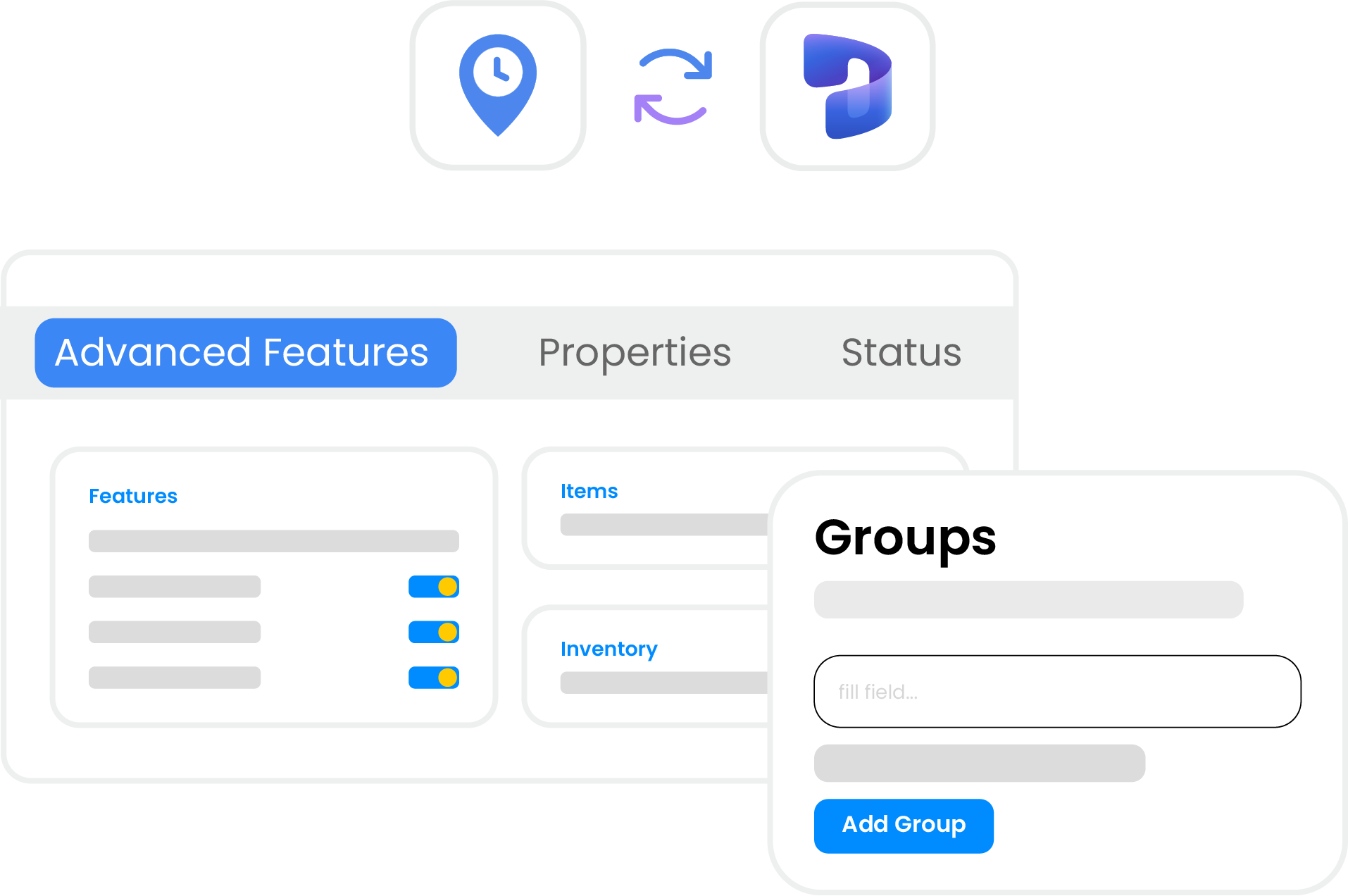
Arrivy maps Dynamics 365 work orders to predefined templates and team groups so each synced task reflects the correct job type, instructions, and status workflow. Advanced JSON field mapping lets you connect any Dynamics 365 field to Arrivy, giving teams full control over task data.
SYNC AND SCHEDULING CONTROL
Control How Synced Work Orders Become Scheduled Tasks
Arrivy lets you define whether synced Dynamics 365 work orders create scheduled or unscheduled tasks. Scheduled tasks appear on the calendar and trigger customer notifications via SMS or email. Unscheduled tasks stay in the planning queue with no customer message sent until you’re ready.

REAL-TIME JOB VISIBILITY
Maintain a Shared Operational View Across Teams
Arrivy keeps field and office teams updated as Dynamics 365 work orders change, ensuring task progress, status updates, and job details stay accessible in real time. This helps both sides stay aligned on the move and make faster decisions based on current information.

Arrivy and Microsoft Dynamics 365 Capabilities
Use Microsoft Dynamics 365 Field Service with Arrivy to connect work order management, field execution, and customer communication in one coordinated workflow.

Automated Sync
Automatically create or update Arrivy tasks when work orders change status in Dynamics 365.

Flexible Scheduling
Decide if synced work orders appear scheduled on calendars or remain unscheduled for planning.

Custom Templates
Map work order types to Arrivy templates for consistent job instructions and status workflows.

Targeted Assignment
Assign teams by mapping service categories to predefined Arrivy groups for better coordination.

Real-Time Visibility
Keep field and office teams informed with updated task progress and synced job details in real time.

Accurate Data Sync
Sync Dynamics 365 work order data into Arrivy with advanced JSON field mapping included.
Grow your business with Arrivy
The leading field service platform for teams to schedule jobs, dispatch, invoice, track performance, and get paid.






















“ efficiently. ”

Hear What Our Customers Have to Say!

The team at Arrivy has been FAR SUPERIOR to any other program we were looking at. The program works perfectly as a way to keep my operations, sales, field techs, and clients on the same page.

Mark Bouquet
Creative Carpet
Integrating with Arrivy was pretty easy. And we really appreciate the responsiveness of the Arrivy team.

John Foshee
My Porter
This is by far the best home services platform out there. Extremely customizable and can virtually do anything you can think of.

Luis Alvarez
Alco Windows
Arrivy is easy to use, allows for easy data collection, allows all of our information to pass through our entire work process, and it allows our customers to be involved in the process.

Benji Watters
Earth Right Energy
Our customers and team love Arrivy's functionality! We have reduced service calls, complaints and mistakes.

Cameron Robertson
Super Easy Storage
The team has been great to work with and completed the implementation quickly. Great team to work with.

Danielle Boenisch
Ambia Solar
Frequently Asked Questions
Arrivy is a field service and operations management platform designed to plan, dispatch, execute, and track work across field teams, warehouses, and customers. It supports scheduling, routing, digital forms, real-time visibility, customer communication, reporting, and integrations across operational systems.
Arrivy is built to support growth across teams, locations, and job volume. It supports multi-location operations, role-based access controls, high-throughput scheduling, and flexible integrations, allowing organizations to scale without redesigning workflows.
Yes. Arrivy offers 50+ native integrations with CRM, calendar, accounting, and payment systems, along with APIs and webhooks for custom integrations and automation platforms. This keeps operational data synchronized across your existing systems.